
AI Agent for Medium Business: Sales and Support
How medium-sized businesses use AI agents to automate sales departments, customer support, and internal processes. Real cases, pricing, and implementation timelines.
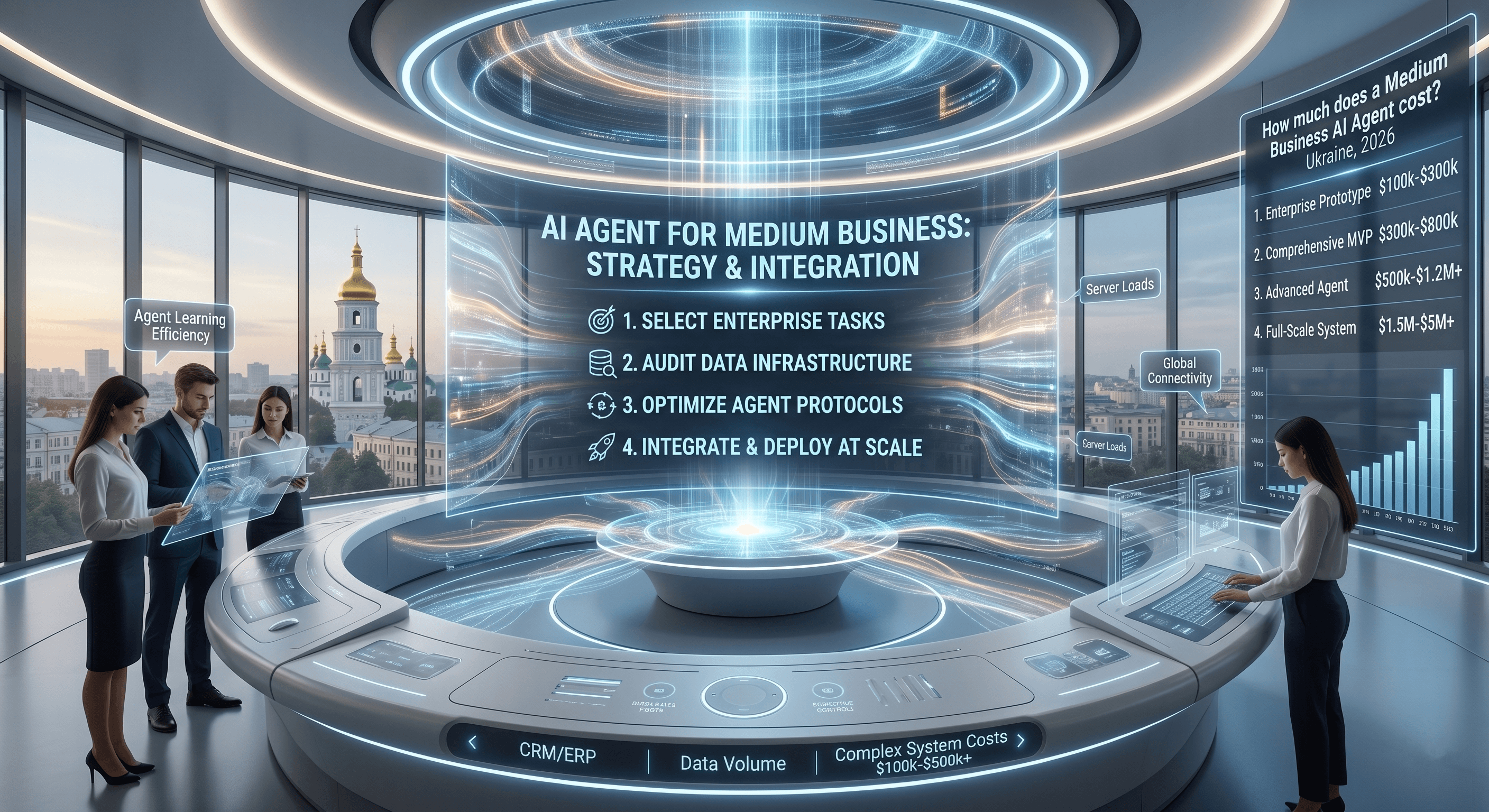
How Medium Business Differs from Small in the AI Context
It's Tuesday morning. Your sales team of eleven people is already at their desks, but the first two hours will disappear into the same ritual: sorting overnight leads, manually logging calls into CRM, and asking prospects the same five qualification questions they've been asking for three years. Meanwhile, three hot leads from the weekend are sitting unanswered in a Telegram inbox nobody checks before 9 a.m.
This isn't a people problem — it's a systems problem. And it's exactly the gap where an AI agent creates disproportionate value for a medium-sized business. What that looks like in practice, and what it actually costs, is what this guide covers.
Small businesses automate one task — answering questions or collecting leads (see the small business guide). Medium-sized businesses face a different challenge: processes exist, teams exist, CRM exists — but there's no connection between them, and an AI agent becomes the unifying layer.
A typical medium business picture before implementation:
- Sales department (5–15 people) processing leads manually
- Customer support drowning in repetitive requests
- Marketing generating leads that "disappear" before a manager calls
- CRM filled manually and always behind schedule
An AI agent solves these problems systematically, not just at individual points.
What Medium Business Automates First
Lead Qualification Before Handoff to Sales
A sales manager is expensive. Their time should go toward closing deals, not figuring out "what exactly do you need and what's your budget?"
An AI agent handles initial qualification:
- Identifies needs and scope
- Clarifies budget and timeline
- Assesses readiness to purchase
- Hands off a complete lead card with full context to the manager
The agent works across every channel simultaneously — website chat, Telegram, WhatsApp, email — without adding headcount. A lead that arrives at 11 p.m. on Friday gets qualified before your team arrives Monday morning.
Result: the manager starts a conversation already knowing everything they need. Average deal closing time drops by 20–35%.
Tier 1 Customer Support
Up to 80% of support requests are typical questions: order status, terms, first-level technical issues. This is work for an AI agent, not a specialist.
The agent handles these requests instantly. Complex or non-standard cases are escalated with full context to a specialist. Your support team focuses only on what genuinely requires human involvement.
The economics are stark: mid-market companies handling 5,000 support tickets per month typically break even on their AI investment within two months, with year-one ROI reaching into the hundreds of percent — not because the technology is magic, but because the volume math is relentless.
What "instant" means in practice: response times that were measured in hours compress to seconds. A mid-sized e-commerce operation that integrated an AI agent with its order management system and shipping carriers saw 71% of contacts resolved automatically, with response times under four minutes — compared to multi-hour waits before implementation.
Automating Repeat Sales
An AI agent sees all customers in the CRM and can:
- Remind about expiring subscriptions or licenses
- Suggest related products based on purchase history
- Re-engage dormant customers with personalized offers
- Collect feedback 30 days after purchase
- Flag high-value accounts showing churn signals before they go quiet
This last point is underused. Most medium businesses lose repeat revenue not because customers are unhappy, but because nobody followed up at the right moment. An agent doesn't forget.
Internal Process Automation
Beyond customer-facing workflows, medium businesses find significant gains in internal operations:
- Meeting summaries and CRM updates after calls — the agent listens, summarizes, and logs without the manager touching the keyboard
- Approval routing — routine procurement or discount approvals get routed automatically based on predefined rules, cutting cycle times from days to hours
- Onboarding new sales reps — the agent answers product and process questions during the first weeks, reducing ramp time without pulling senior staff away from deals
Architecture for Medium Business: Multiple Agents
Unlike a single agent for small business, a medium-sized business often builds a system of specialized agents:
Sales agent → qualifies leads → CRM
Support agent → L1 requests → ticketing system
Analytics agent → collects data → reports for management
Each agent is specialized and does its job perfectly, rather than doing everything mediocrely.
The key architectural decision is whether agents share a single knowledge base or maintain separate ones. For most medium businesses, a shared product and policy knowledge base with separate conversation logic per agent is the right balance — it keeps information consistent while allowing each agent to behave appropriately for its context (a sales agent should sound different from a support agent).
A second decision: how much autonomy each agent has. A qualification agent can safely operate with high autonomy — the worst outcome of a bad qualification is a wasted manager call. A support agent handling refunds or account changes needs tighter guardrails and clearer escalation triggers.
Key Integrations for Medium Business
| System | Purpose | What breaks without it |
|---|---|---|
| CRM (HubSpot, KeyCRM) | Automatic lead entry, status updates | Managers re-enter data manually; agent context is lost |
| Ticketing system (Zendesk, Freshdesk) | Escalation with full context | Specialists start from scratch on every escalated case |
| Telephony | Call summaries, CRM updates after calls | Post-call logging stays manual; data lags by hours |
| Email marketing | Trigger emails based on customer actions | Re-engagement sequences require manual setup per campaign |
| Analytics (GA4, Amplitude) | Conversion tracking by channel | ROI attribution is guesswork |
| ERP / inventory | Real-time stock and pricing data | Agent gives outdated answers; trust erodes fast |
Each integration adds cost but also multiplies the effect: the agent becomes the hub of all customer communication. The integrations that deliver the fastest payback are almost always CRM and ticketing — they eliminate the most manual data entry and give agents the context they need to handle escalations cleanly.
Comparison: Manual Process vs. AI Agent System
| Dimension | Manual (current state) | AI Agent System |
|---|---|---|
| Lead response time | 2–24 hours | Under 2 minutes, 24/7 |
| Qualification depth | Depends on rep skill | Consistent, scripted, logged |
| CRM data quality | Incomplete, delayed | Auto-filled in real time |
| Support resolution speed | Hours to days | Seconds for Tier 1 |
| Repeat sales follow-up | Ad hoc, often missed | Systematic, trigger-based |
| Scalability | Linear (hire more people) | Near-zero marginal cost per additional interaction |
| Manager time on routine | 30–50% of working day | Under 10% |
The table above isn't a promise — it's a benchmark. Your actual numbers will depend on process complexity, integration depth, and how well the agent's knowledge base is built. But the directional shift is consistent across implementations.
Case Study: B2B Software Reseller, 8-Person Sales Team
Context: A regional B2B software reseller with eight account managers handling licensing renewals, new client acquisition, and technical pre-sales. Inbound volume: roughly 300 inquiries per week across email, website chat, and phone. The team spent an estimated 35–40% of their time on qualification and administrative follow-up.
Implementation: A two-agent system — one for lead qualification (integrated with website chat, email, and HubSpot), one for renewal reminders and upsell outreach (integrated with HubSpot and the billing system). Knowledge base: product catalog of 600+ SKUs, licensing rules, pricing tiers, and objection-handling scripts built with input from the sales team.
Timeline: 8 weeks from kickoff to full deployment.
Results after 90 days:
| Metric | Before | After | Change |
|---|---|---|---|
| Leads qualified without manager involvement | ~5% | 71% | +66pp |
| Average time to first meaningful manager contact | 18 hours | 22 minutes | −98% |
| Deals closed per manager per month | Baseline | +29% | +29% |
| Renewal rate (existing accounts) | 74% | 83% | +9pp |
| Time spent on admin and qualification | ~38% of day | ~9% of day | −76% |
| Year-one ROI | — | 290% | — |
The renewal rate improvement was the surprise. The qualification agent wasn't involved — the renewal agent simply reached out at the right moment with the right context, something the team had always intended to do but rarely executed consistently.
When the numbers came back at 90 days, the CEO's reaction wasn't excitement about the technology — it was relief. Not "look what AI can do," but "I finally know this is getting done, every time, without me checking."
How Much Does an AI Agent Cost for Medium Business
| Configuration | Cost |
|---|---|
| Single agent + 2–3 integrations | $8,000–$12,000 |
| Two agents (sales + support) | $12,000–$20,000 |
| Full system (3+ agents, all integrations) | from $20,000 |
| Support and development (monthly) | $500–$1,200 |
Implementation timeline: 6–12 weeks depending on the number of integrations and process complexity.
A few cost factors that often surprise buyers:
- Knowledge base quality is the biggest variable. A well-documented product catalog and clear sales scripts cut implementation time significantly. If that documentation doesn't exist, building it is part of the project.
- Integration complexity varies more than the number of integrations. Connecting to a modern CRM via API is straightforward. Connecting to a legacy ERP with no API requires custom middleware and adds both time and cost.
- Ongoing development is real. An agent that isn't updated as products, prices, and processes change will degrade in quality. Budget for it from the start.
How to Calculate ROI Before Signing a Contract
Ask your vendor to calculate ROI before the project starts. A solid methodology is described in AI Agent ROI: How to Calculate Payback:
- Current cost of manual processing (salaries × % of time on routine)
- Cost of lost leads (quantity × average deal × conversion rate)
- Projected savings after implementation
- Payback period in months
If the vendor can't produce this calculation — that's a reason to think twice.
One addition worth making: ask for a sensitivity analysis. What does ROI look like if automation rates come in 20% lower than projected? A vendor who's done this before will have a confident answer. One who hasn't will hedge.
Common Mistakes Medium Businesses Make During Implementation
Mistake 1: Automate everything at once Start with one process, bring it to results, then scale. Trying to cover everything at once extends the implementation timeline and increases risk. The businesses that see the fastest ROI almost always start with a single, high-volume, well-defined workflow.
Mistake 2: Not involving the team The managers who will work with the agent should participate in defining the scenarios. They know the real customer objections better than any documentation. Skipping this step produces an agent that handles the textbook version of conversations, not the real ones.
Mistake 3: Thinking the agent will replace the team An AI agent doesn't reduce headcount — it increases team effectiveness. A manager closes more deals, not fewer. The businesses that communicate this clearly before rollout see faster adoption and better feedback loops for improving the agent.
Mistake 4: Treating the knowledge base as a one-time task Products change. Pricing changes. Policies change. An agent running on stale information erodes customer trust faster than no agent at all. Assign someone ownership of knowledge base updates from day one.
Mistake 5: No escalation design Every agent needs a clear answer to: "What happens when I can't handle this?" Escalation paths — to a specific person, via a specific channel, with specific context attached — need to be designed before launch, not discovered in production.
What the Board Sees
There's a version of this conversation that's purely operational — fewer hours wasted, faster response times, better CRM hygiene. That version is real and worth having.
But there's another version. When a CEO walks into a board meeting and shows that the sales process now runs consistently at scale without adding headcount, that the support queue is under control without burning out the team, and that the data in the CRM is actually trustworthy — that's a different kind of credibility. It's the difference between a leader who manages chaos and one who has built a system that doesn't produce it. Investors and boards notice that distinction. So does the team.
Want to understand how an AI agent would fit into your processes? Write to our AI agent right now — it will analyze your tasks and suggest an architecture in the conversation.
Have questions? Ask the AI agent right now
Responds in seconds, knows everything about our services and will help with your situation
You might also like
OpenAI's IPO Risk Threatens Your AI Stack
OpenAI IPO at risk due to internal conflicts and regulatory pressure. What this means for businesses dependent on GPT-4 and ChatGPT API.
Medium BusinessAI Automation for Medium Business: Grow Without Hiring
AI automation for medium business — a practical guide. How to implement an AI agent, reduce costs and increase sales without hiring new people.
NewsNvidia Antitrust Investigation DOJ: What It Means
The nvidia antitrust investigation DOJ now targets Groq and Hugging Face deals. See what AI-chip consolidation means for your vendors, budget and risk.